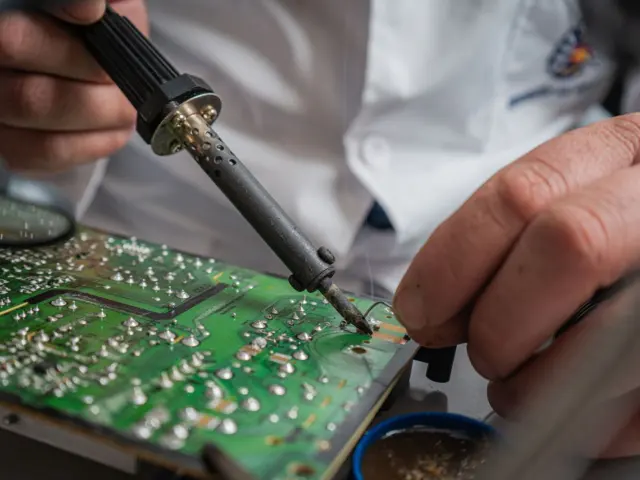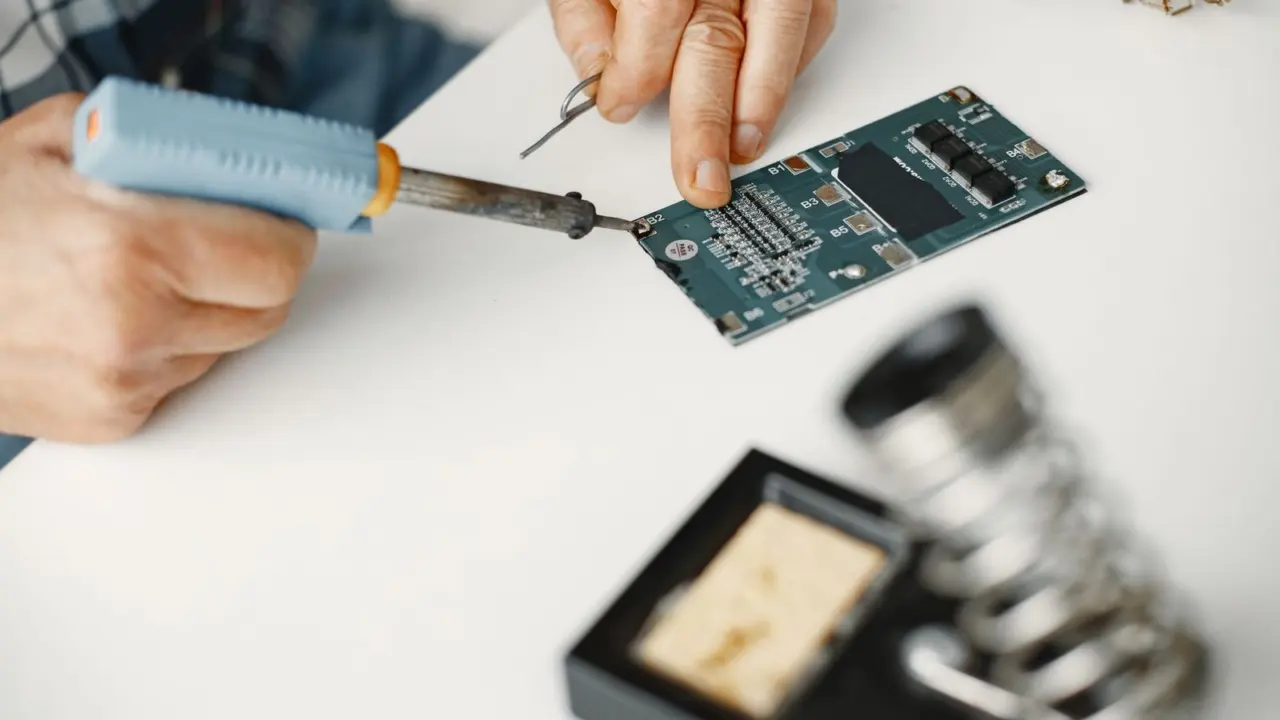
Not sure what number to dial in? Your soldering iron temperature settings depend mainly on the solder: about 315°C-370°C for leaded and 370°C-400°C for lead-free. Start there, then adjust for joint size.
This guide is part of the electronics repair series for readers who fix boards at the bench.
| Item | Value |
|---|---|
| Leaded 63/37 solder melting point | 183°C (361°F) |
| Lead-free SAC305 melting range | 217°C-220°C (423°F-428°F) |
| Iron tip range, leaded solder | 315°C-370°C |
| Iron tip range, lead-free solder | 370°C-400°C |
| Target time to wet a joint | 1-2 seconds |
| Continuous use that shortens tip life | above 400-450°C |
These figures come from the LCSC solder melting point guide and the Rapid Electronics soldering tips guide. They can change, so check the source before you rely on them.
Start with the solder alloy
Your iron has to run comfortably above the solder’s melting point, so check the alloy first. Classic 63/37 tin-lead solder melts at a sharp 183°C (361°F), while SAC305 lead-free solder melts across 217°C-220°C (423°F-428°F), according to the LCSC guide.
The gap exists because of the eutectic effect. The same guide notes that pure tin melts at 232°C and pure lead at 327°C, yet their 63/37 blend melts at a single sharp point of 183°C, with no pasty phase in between.
Not every lead-free solder behaves like SAC305. LCSC lists tin-bismuth low-temperature alloys that melt as low as 138°C, with brittleness trade-offs, so read the label on your spool.
Keep the two families apart. LCSC warns that you should never mix leaded and lead-free solder on the same joint, because it creates unpredictable alloy ratios and weaker mechanical properties, and that a profile built for 183°C solder will not fully melt SAC305, leaving open circuits and defective assemblies (source).
Starting temperatures for leaded and lead-free solder
Every chart is a starting point, and the published ranges differ a little. LCSC gives 315°C-370°C for leaded solder and 370°C-400°C for lead-free (LCSC).
Rapid Electronics splits the range by job. It lists 315-350°C for standard leaded PCB work and 370-390°C for larger leaded joints, then 350-380°C for standard lead-free work and 400-430°C for larger lead-free thermal loads.
The Zbotic task chart shows how the number moves with the job:
| Task | Leaded solder | Lead-free solder |
|---|---|---|
| Through-hole PCB (headers, resistors) | 320-360°C | 350-380°C |
| Small SMD parts (0603/0805) | 300-330°C | 320-350°C |
| Connectors (USB, barrel jack) | 350-380°C | 370-400°C |
| Thick wire (>20 AWG, power) | 380-420°C | 400-430°C |
Zbotic’s notes explain the pattern: small SMD parts have small mass and heat fast, while connectors have higher mass and need more heat (Zbotic). The same page warns that lead-free solder is more prone to cold joints if the iron runs slightly too cool.
Why doesn’t the display number tell the whole story?
The controller setting is not the temperature at the joint. Zbotic says the tip shape and contact area determine how much heat actually transfers (Zbotic), and PCBSync adds that an iron controller measures at a different location from the solder joint.
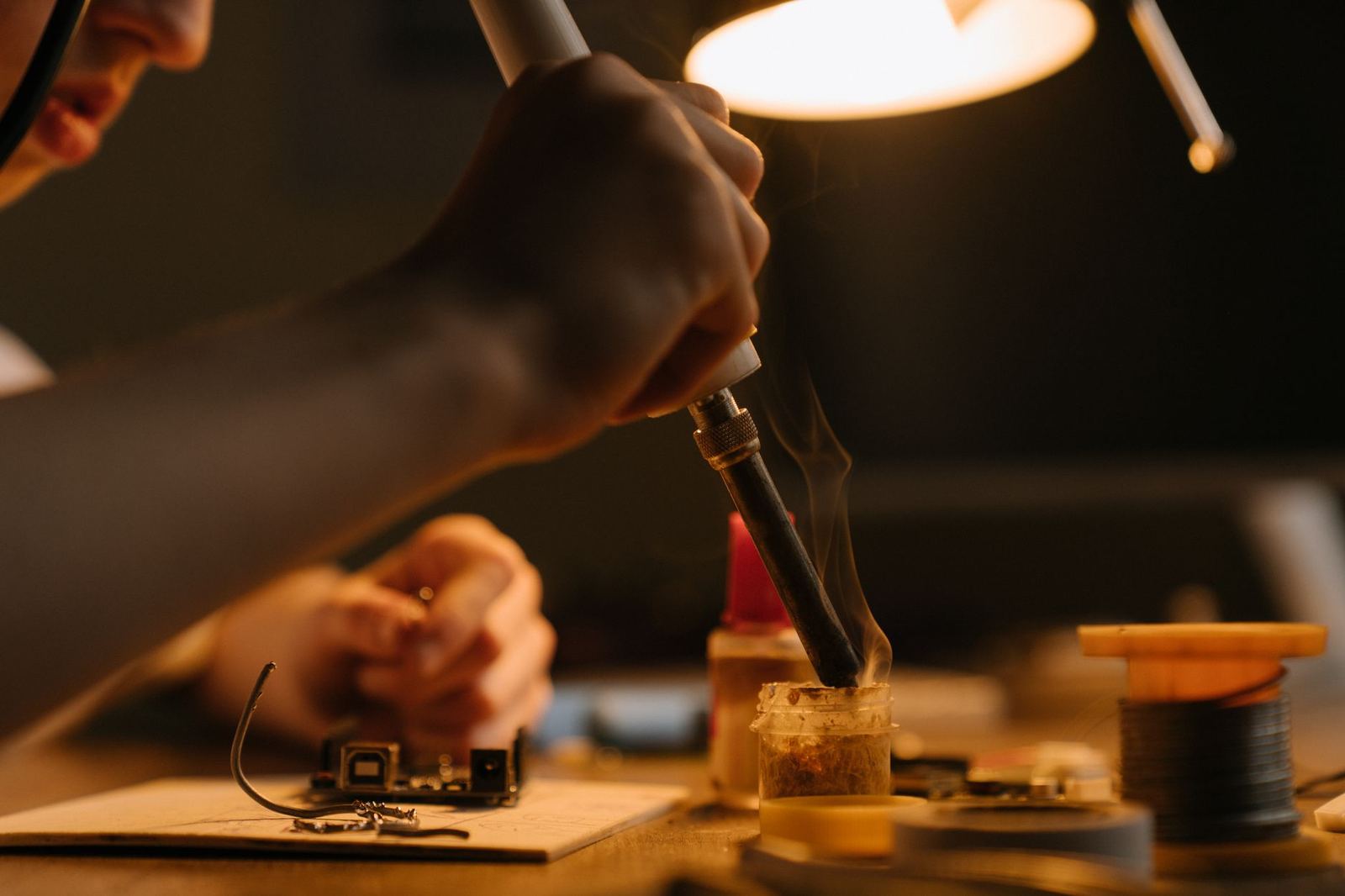
So turning the dial up is not the only fix for slow wetting. PCBSync says increasing the display setting is not the only response, and Rapid Electronics notes that a medium chisel tip handles the majority of soldering tasks effectively, while lead-free alloys benefit from tips with greater thermal mass (Rapid Electronics).
Rapid’s best practice is to use the lowest temperature that achieves a clean, fully wetted joint within 1-2 seconds of contact. A practical routine looks like this:
- Identify the alloy, then set the iron near the low end of its range.
- Fit a tip that matches the joint, using a medium chisel as the default.
- Touch the tip to the pad and the lead together, then feed in solder.
- If the solder does not flow quickly, try a larger tip, then raise the setting in small steps.
- Stop at the lowest setting that gives a clean joint.
Signs your temperature is wrong
Your joints will tell you. Zbotic describes both failure modes:
- Too low: the solder does not melt cleanly, and you get cold joints, which are dull, grainy, high-resistance connections.
- Too high: excess heat damages components (especially ICs and electrolytic capacitors), lifts PCB pads, burns flux and leaves crusty black residue, and oxidises the solder and tip faster.
One caution: lead-free joints look duller and more granular than leaded joints, and Zbotic says this is normal, so do not mistake it for a cold joint.
If a part may have been cooked, learn how to test a capacitor before you trust it again. When a bad joint means a part has to come out, read up on how to desolder components before you reheat the pad.
Keeping the tip in shape
A worn tip makes every temperature setting less reliable. Rapid Electronics says a thin layer of solder keeps the iron plating from oxidising, so keep the tip tinned (Rapid Electronics).
- Clean with brass wool or a dry tip cleaning system.
- Use a damp sponge with caution, because it can cause thermal shock.
- Avoid abrasives, which remove the protective plating and permanently damage the tip.
- Use sleep mode where available, or lower the temperature during pauses in work.
The same guide says operating continuously above 400-450°C dramatically shortens tip life. Reserve higher settings for heavy copper planes or large connectors.
Frequently asked questions
Is there one best soldering temperature?
Show answer
No. With leaded solder, the Zbotic chart runs from 300-330°C for small SMD parts to 380-420°C for thick power wire.
Should I turn the iron up when solder will not flow?
Show answer
Try a larger tip first. PCBSync says increasing the display setting is not the only response to slow wetting.
Does lead-free solder need a hotter iron?
Show answer
Yes, usually. LCSC lists 370°C-400°C for lead-free solder against 315°C-370°C for leaded.
Why does my lead-free joint look dull?
Show answer
Lead-free joints look duller and more granular than leaded ones, which Zbotic calls normal. Judge the joint by how well the solder wetted the pad and lead.